Install the FxFactory Helper Tool
The helper tool is a component in FxFactory responsible for installing and licensing products on the system. It requires administrative privileges in order to make changes effective for all user accounts.
Without its helper tool, certain functions cannot be performed, such as installing or removing products, or activating licenses.
The helper tool is normally installed on your system as part of installing FxFactory. You may be prompted to install the helper tool again when a configuration problem is detected.
When prompted to install the helper tool, remember to authenticate with the same credentials you use to sign in to your Mac, i.e. your name and password.
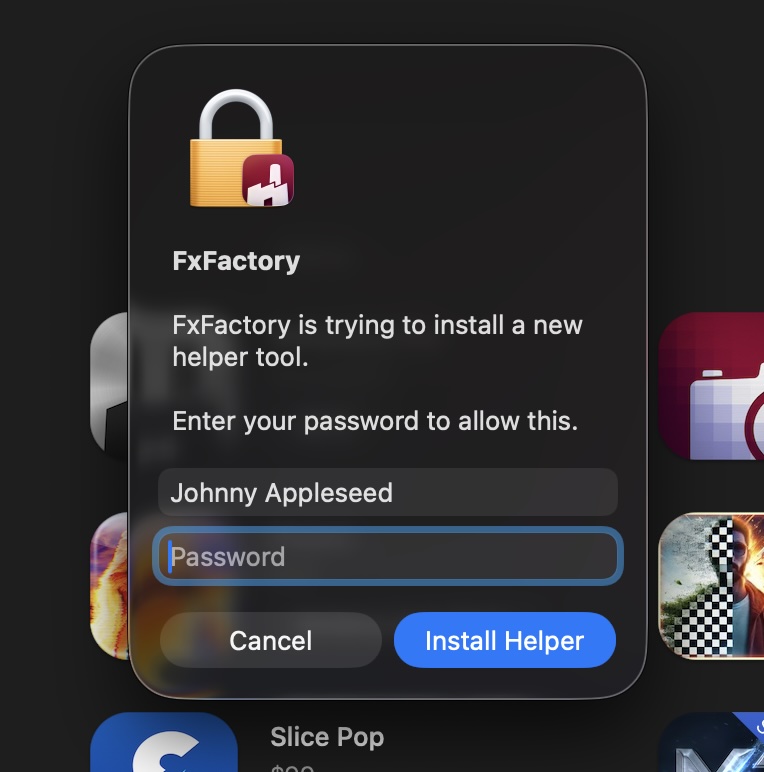
These are not the same account and password you use to unlock your purchases.
If your Mac is shared by multiple users, and your account does not have administrative privileges, you may have to ask an administrator to authenticate and install the helper tool for you.
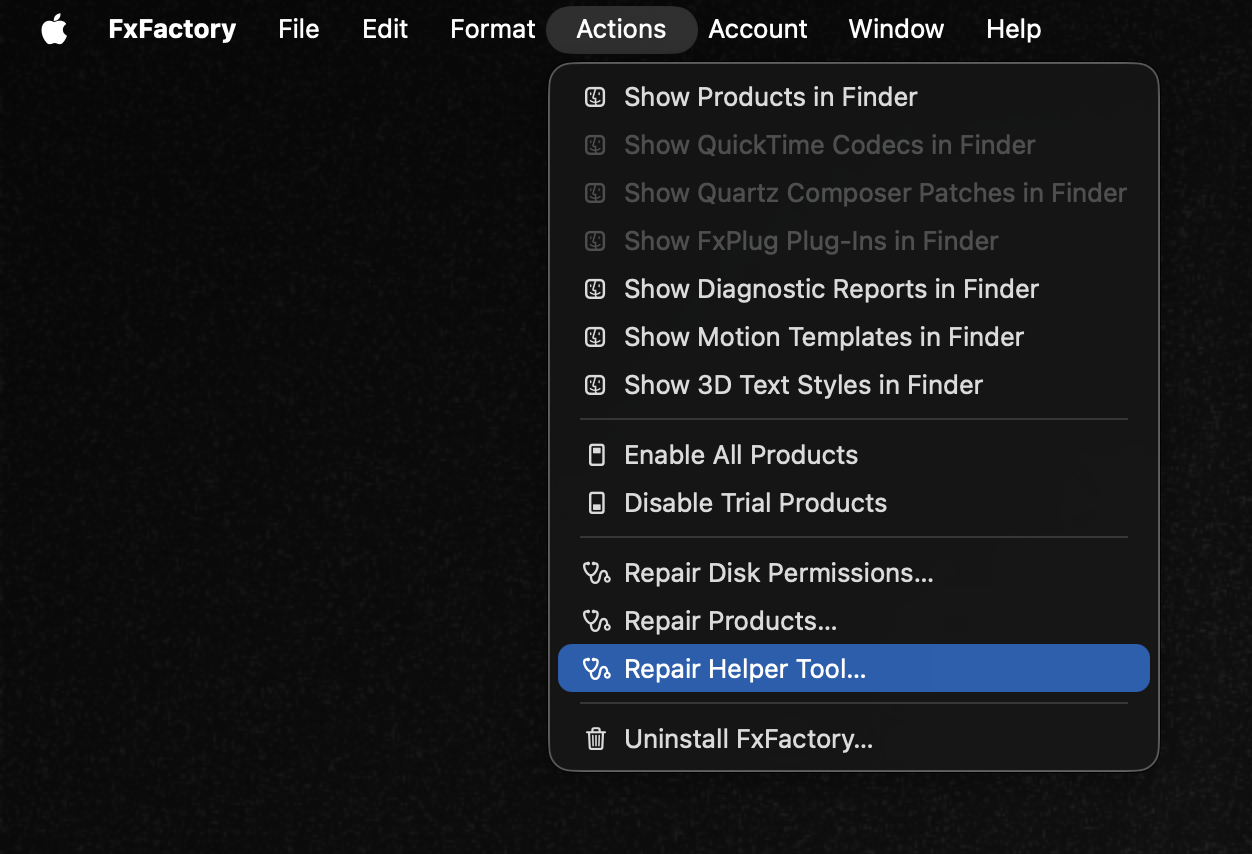
If needed, you manually install the helper tool by selecting the Repair Helper Tool... command under the Actions menu: