Reset Premiere Pro Plug-In Cache
In some rare cases, it may be necessary to reset the Premiere Pro third-party plug-in cache to allow the app to start without crashing:
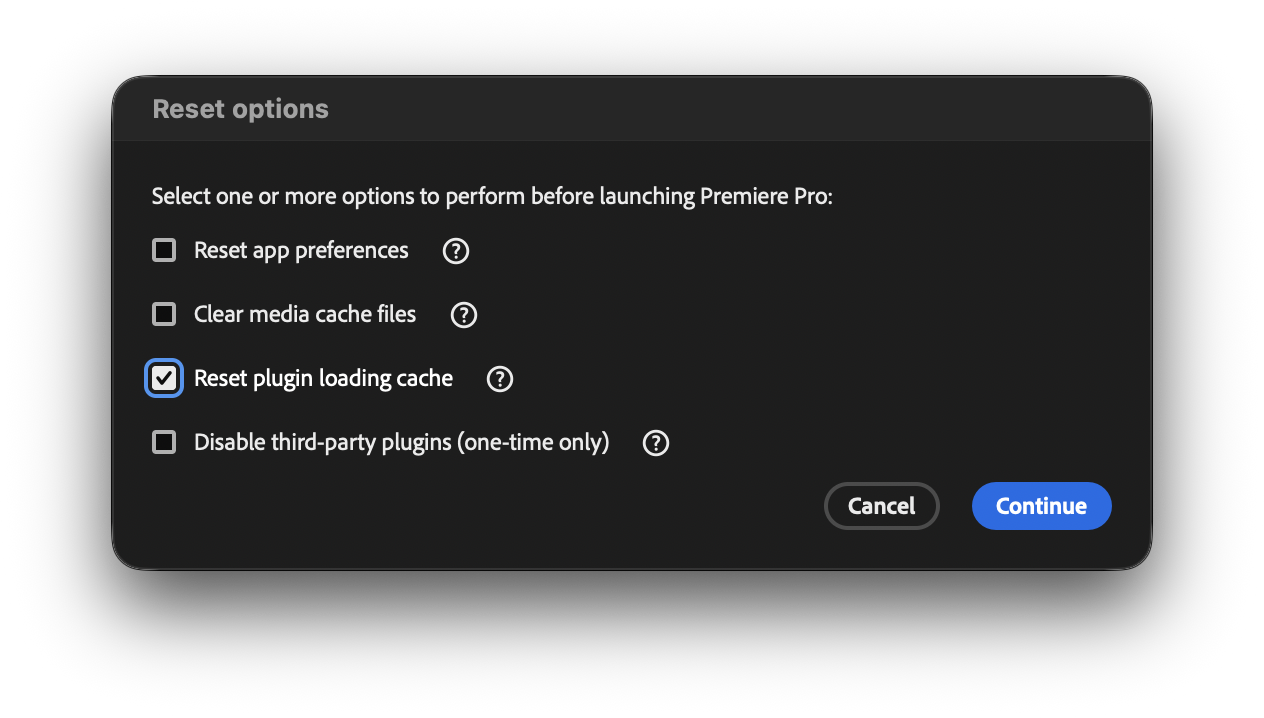
Launch the Premiere Pro app while holding down the ⌥ Option key.
When the Reset options window appears, enable Reset plugin loading cache and click Continue: