
Authorize Background App Activity for FxFactory
The FxFactory app requires your permission to install, remove and license products for all users on your system.
If you are experiencing problems when installing or removing products, it might be necessary to authorize or re-authorize this activity through the System Settings app.
Open System Settings
Click on the General section
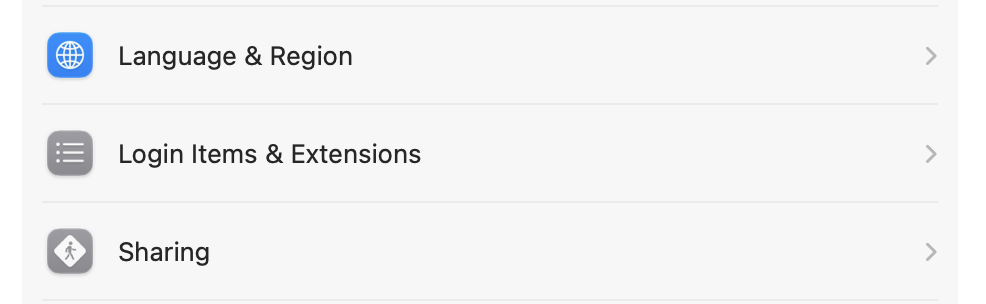
Scroll to, and click on Login Items & Extensions:
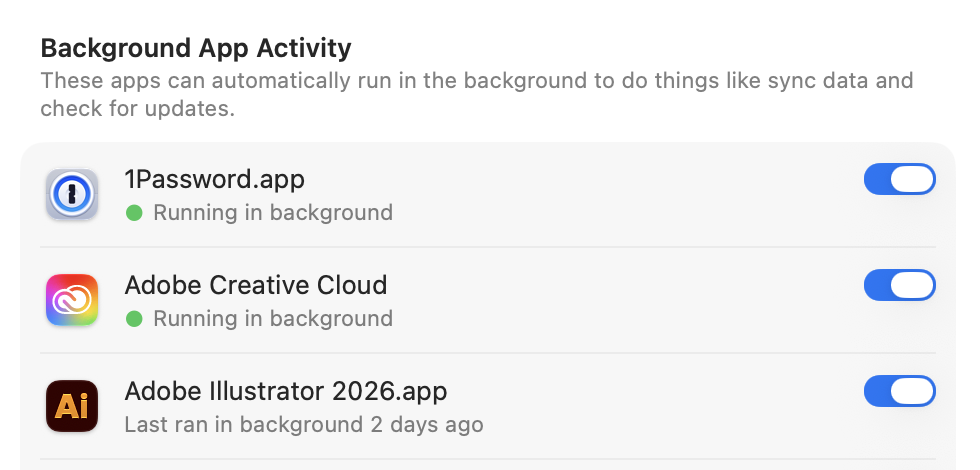
Look for the section called Background App Activity:
Find FxFactory.app, and make sure that the corresponding toggle is on:
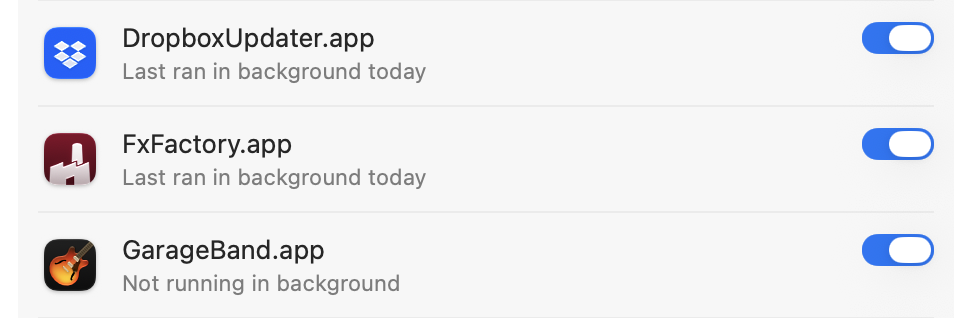
Should the toggle already be on, try toggling it off, then back on. This will often clear any temporary issues with authorization.
When complete, restart the FxFactory app.
If the above isn't sufficient to fix any issues you are experiencing, we recommend restarting your Mac and trying again. Some of the security settings in macOS may fail to apply immediately, regardless of what the System Settings app is displaying.