
Enable Obsolete Plug-Ins
In some cases, even after upgrading to the new version of a product, you might need to access a previous version of its plug-ins.
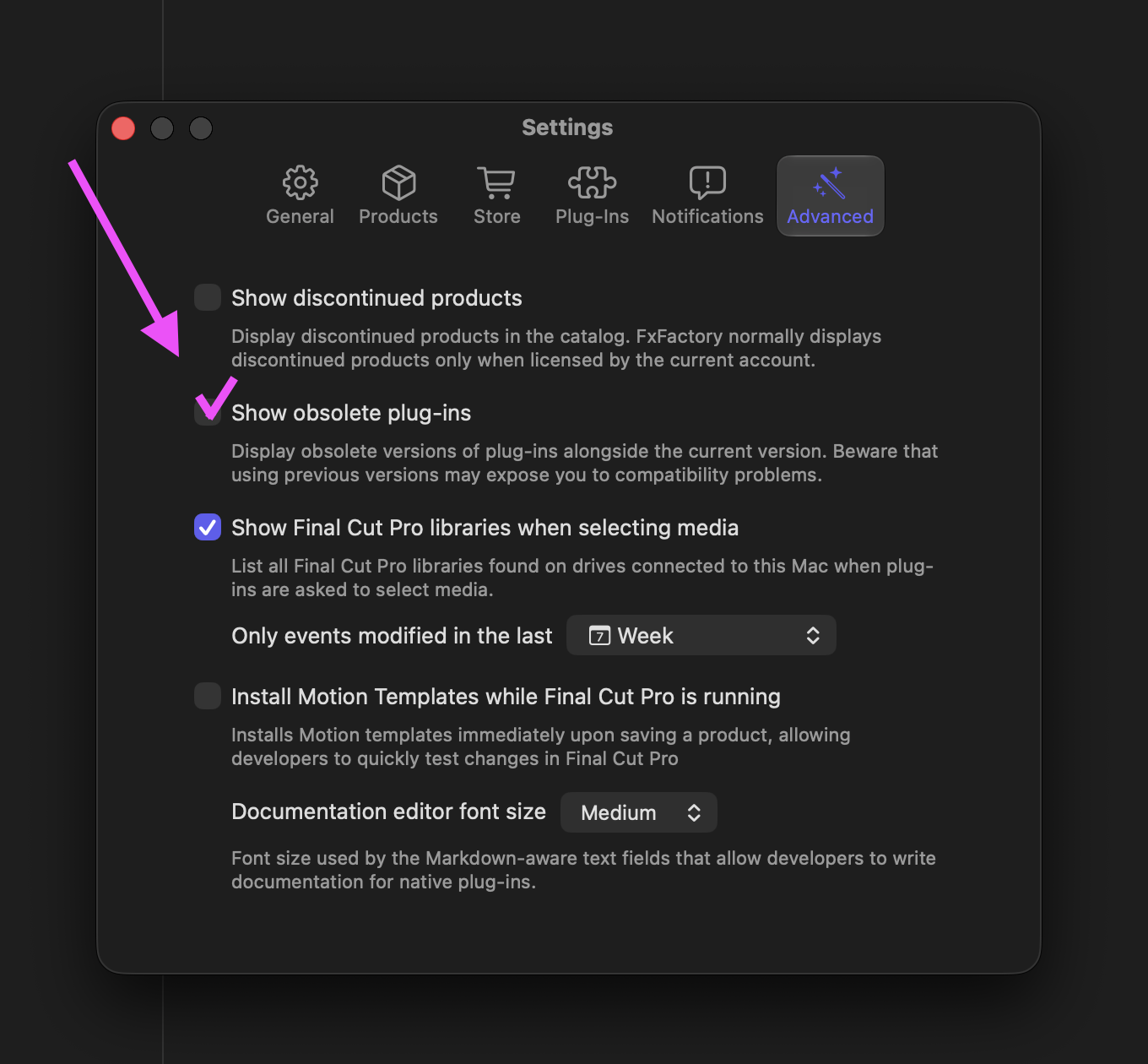
Follow these instructions to ask FxFactory to reinstall and display obsolete v
ersions of all plug-ins on your system:
- Quit every video application currently running on the system
- Launch FxFactory
- Open its Settings window
-
Switch to the Advanced section and turn on the Show obsolete plug-ins option
FxFactory will take a few seconds to reinstall all products, making sure that obsolete versions are now displayed in Final Cut Pro’s effect browsers or in various plug-in categories as found in Motion, Premiere Pro, After Effects and DaVinci Resolve.
